Cargo Crates.io
Compréhension
```rust
// Filename: Cargo.toml
// opt-level 为优化程度,0-3,越高编译时间越长,运行效率越快
[profile.dev]
opt-level = 0

[profile.release]
opt-level = 3
```
Doc String
//! # My Crate
//!
//! `my_crate` is a collection of utilities to make performing certain
//! calculations more convenient.

/// Adds one to the number given.
///
/// # Examples
///
/// ```
/// let arg = 5;
/// let answer = my_crate::add_one(arg);
///
/// assert_eq!(6, answer);
/// ```
pub fn add_one(x: i32) -> i32 {
    x + 1
}
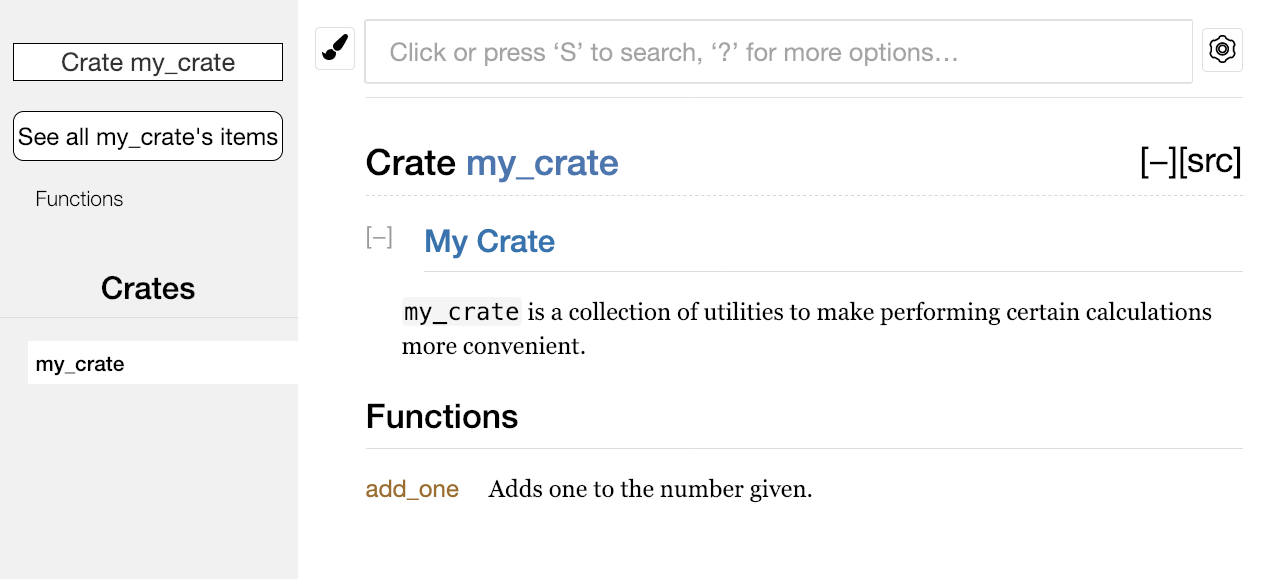
cargo doc//!crate module,///fonction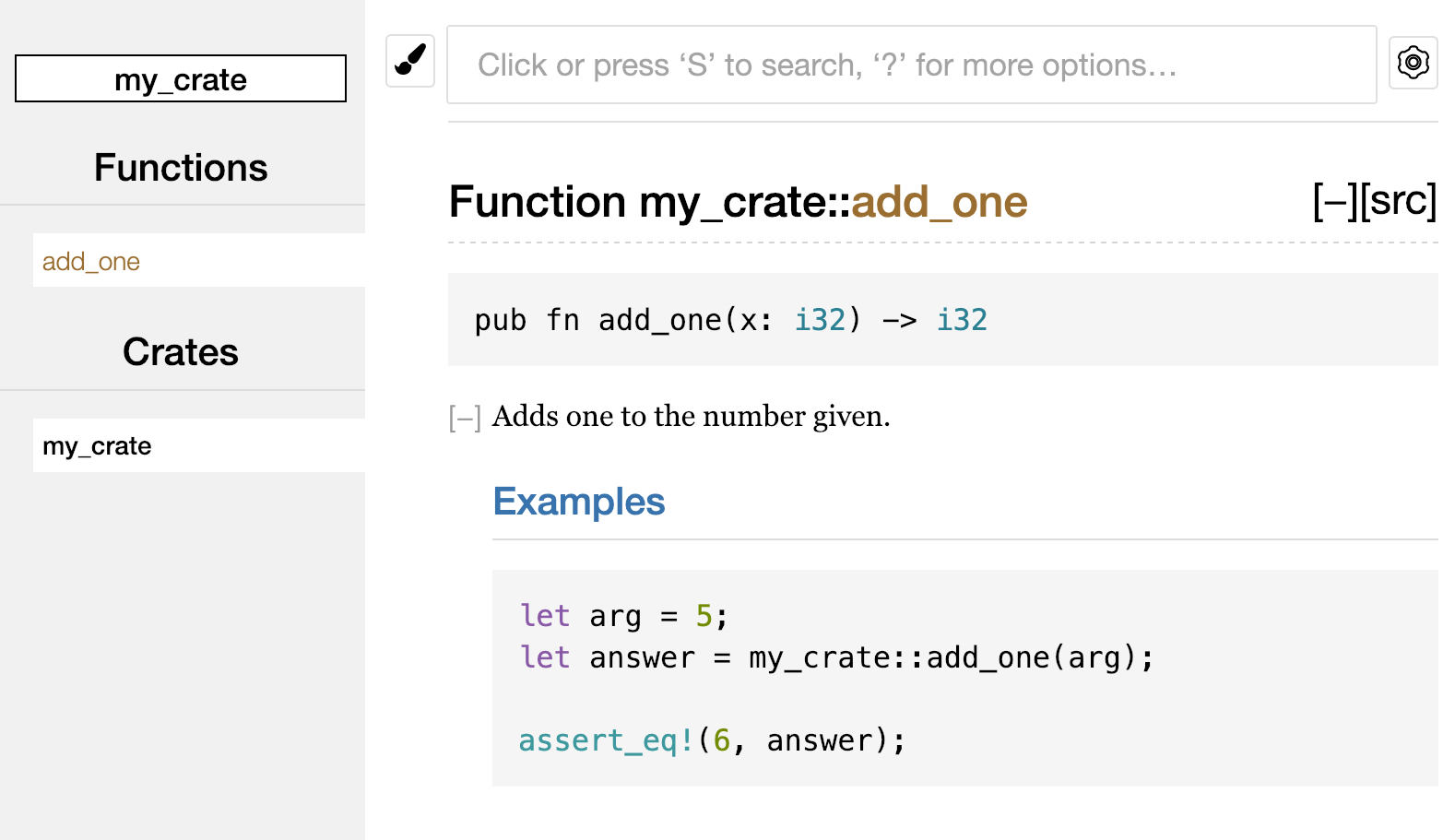
> A *workspace* is a set of packages that share the same *Cargo.lock* and output directory
>


 Cargo.lock  output dir
`cargo install` binary crates
Origin
https://doc.rust-lang.org/book/ch14-00-more-about-cargo.html
…
Extending Cargo with Custom Commands
Cargo is designed so you can extend it with new subcommands without having to modify Cargo. If a binary in your $PATH is named cargo-something, you can run it as if it was a Cargo subcommand by running cargo something. Custom commands like this are also listed when you run cargo --list. Being able to use cargo install to install extensions and then run them just like the built-in Cargo tools is a super convenient benefit of Cargo’s design!
Summary
Sharing code with Cargo and crates.io is part of what makes the Rust ecosystem useful for many different tasks. Rust’s standard library is small and stable, but crates are easy to share, use, and improve on a timeline different from that of the language. Don’t be shy about sharing code that’s useful to you on crates.io ; it’s likely that it will be useful to someone else as well!